

Ghost themeFree
Cool Blue Ghost theme
A clean blog and magazine theme for Ghost: left icon rail, serif headlines, rounded cards, code blocks with copy buttons and light/dark mode.
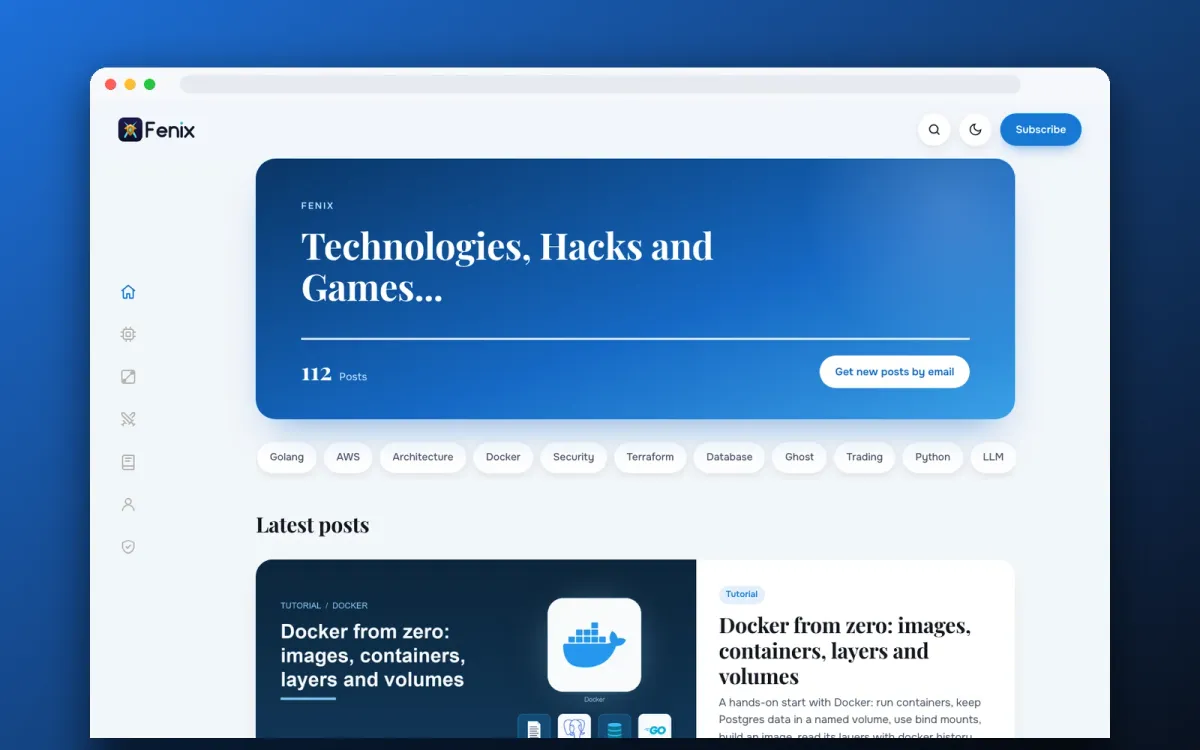
Screenshots
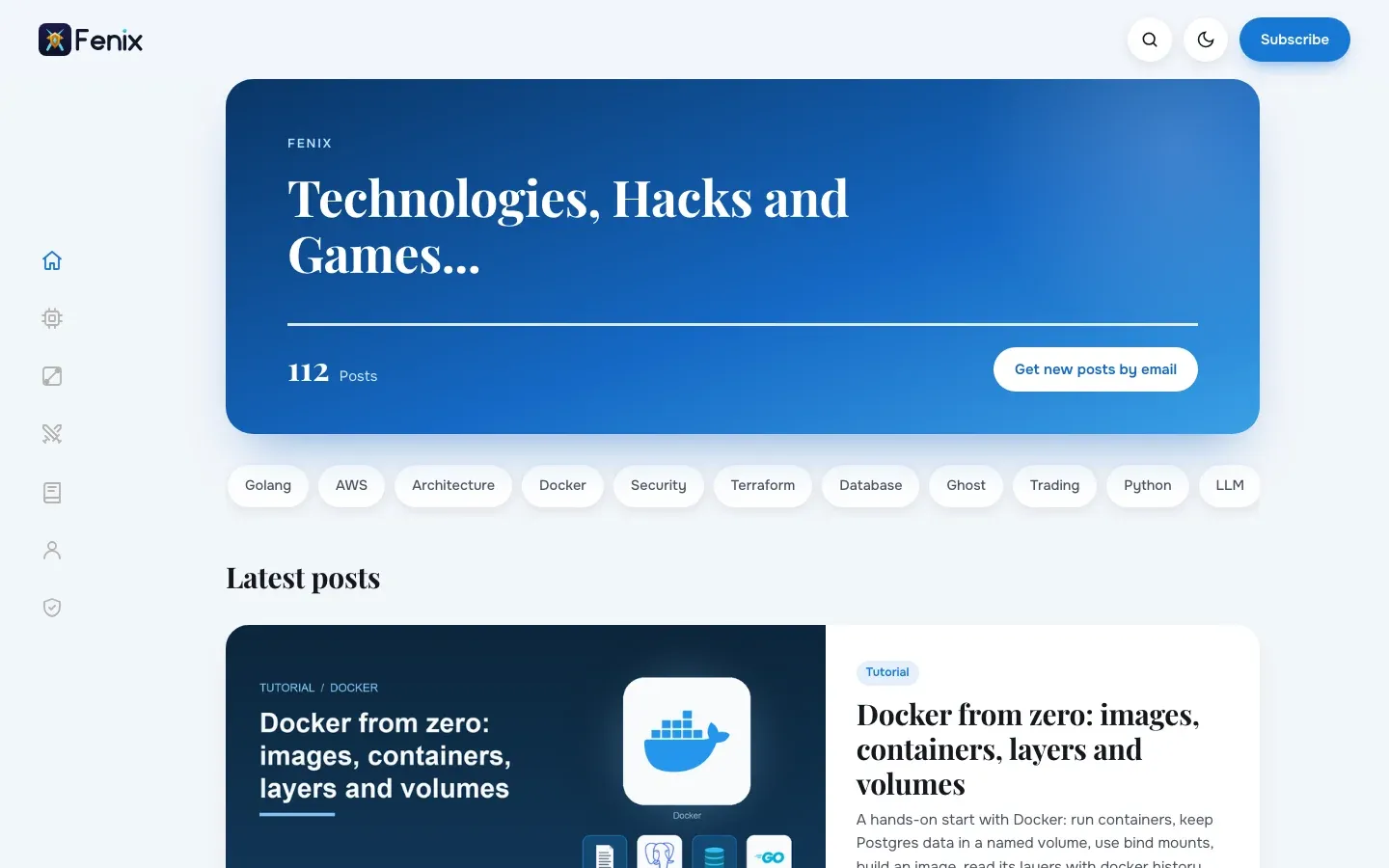
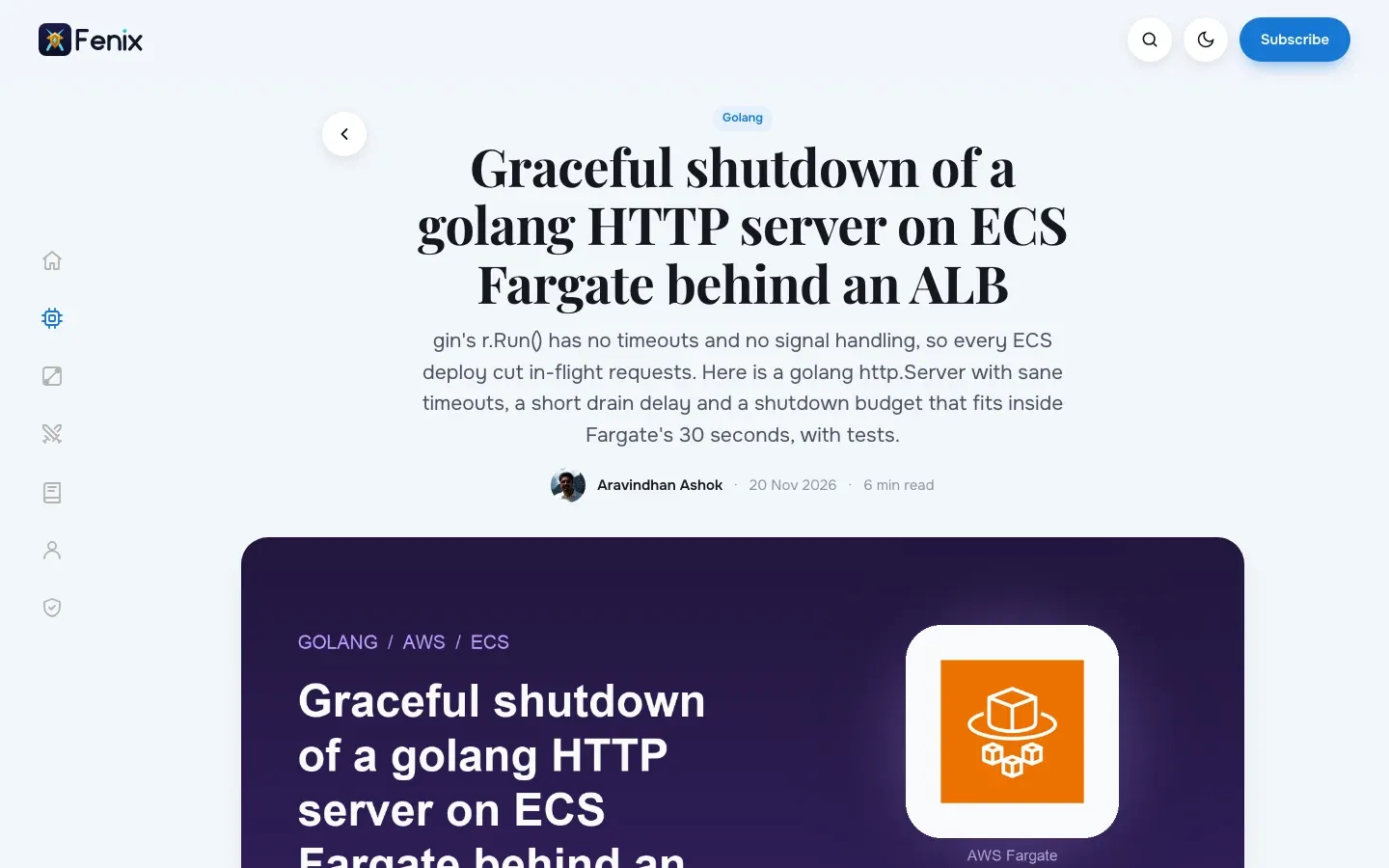
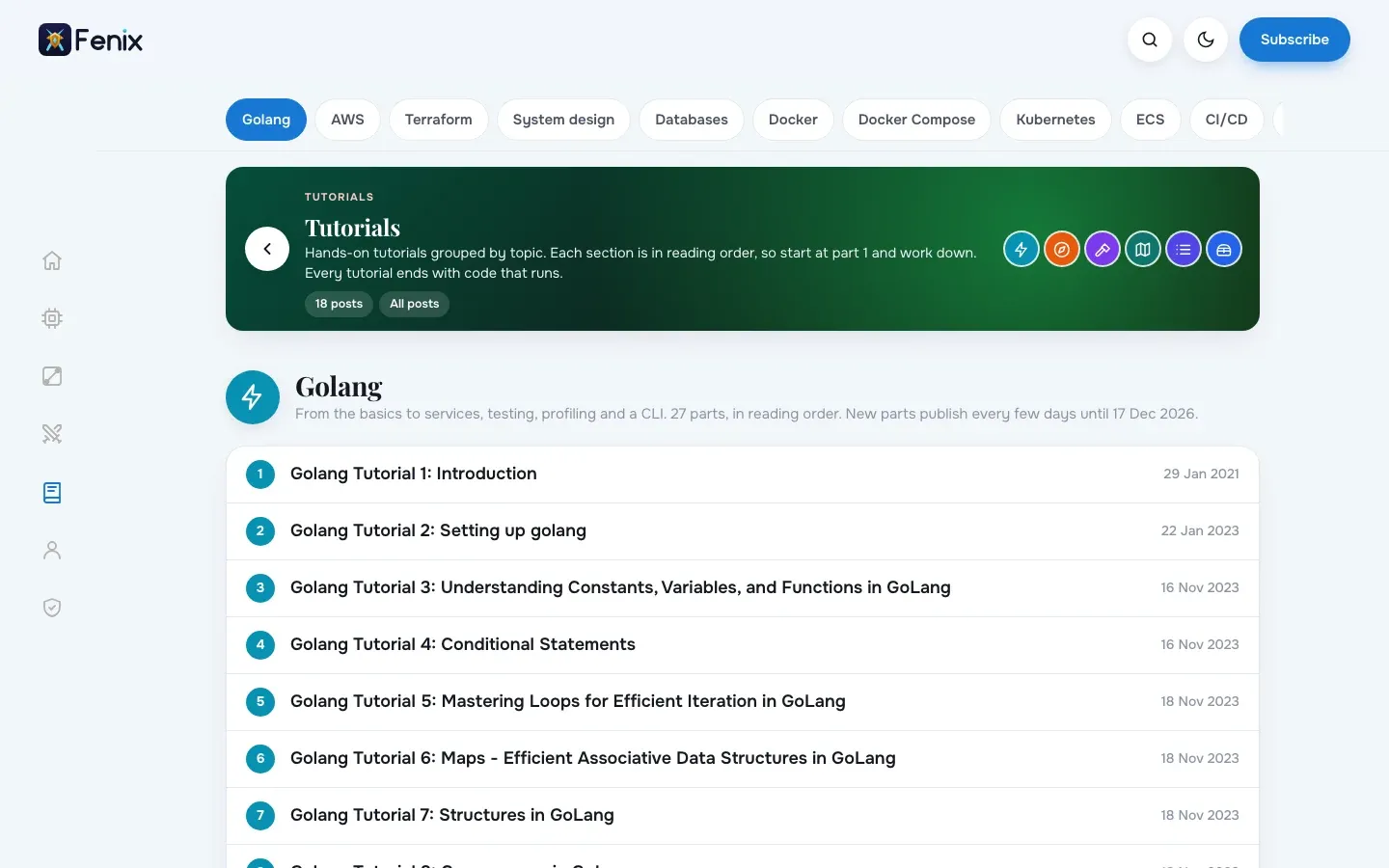
See it live: https://fenixara.com/. fenixara.com runs Cool Blue (with this site's own extra hub pages).
What you get
Left icon railYour Ghost menu as a slim rail with a matching line icon for common items (Home, Tech, Games, Tutorials, About, Privacy, Contact, RSS and more).
Light and darkPick Auto, Light or Dark as the default. Readers can switch with a toggle that is remembered per browser.
Code that reads wellSyntax highlighting is bundled (Go, Python, Bash, SQL, YAML, JSON, HCL, Docker, TypeScript and more), with a language label and a Copy button. No CDN calls.
Magazine homeA hero card with your site description or your own headline, topic chips from your tags and large post cards.
Built for readingSerif headlines, a comfortable text column, related posts and a subscribe box at the end of every post (both can be switched off).
Ghost nativeUses Ghost search, members sign-up and cards (images, galleries, bookmarks, callouts, toggles). Works with Ghost 5 and 6.
Details
- PriceFree
- TypeGhost theme
- Version1.2.16
- Works withGhost 5 and Ghost 6
- LicenceMIT: use it on any number of sites
- Downloadcool-blue-1.2.16.zip, 134 KB
Theme settings
Change these in Ghost Admin > Settings > Design & branding > Customize:
- Colour scheme (Auto, Light, Dark)
- Dark-mode logo
- Home headline
- Related posts on or off
- Subscribe box on or off
Install
- Download the zip below (keep it zipped).
- In Ghost Admin open Settings > Design & branding > Customize, then Change theme > Upload theme.
- Choose cool-blue-1.2.16.zip and press Activate.
- Set your logo in Brand, your menu in Navigation, and the theme options under Theme.
- To update later, upload the new zip the same way: Ghost replaces the old version.