How blogs as code made writing and publishing on this blog simple
Posts on this blog now live as plain files in a git repo. A build script checks them, draws the banners and creates Ghost drafts. Here is what changed compared to writing straight into the Ghost editor.

For a long time a new post on this blog meant opening the Ghost editor and starting from an empty page. Write in the browser. Find a banner image somewhere. Type the excerpt. Pick tags and hope they matched the ones I used last time. Then publish and move on.
It worked. It was also slow, and every post came out a bit different from the one before. Some had a banner, some didn't. Excerpts were whatever I typed at the end.
Now the blog is code. Posts live in the same git repo as the Terraform and Docker Compose files that run the blog, and a build script turns them into Ghost drafts. In this blog I want to talk less about the code (I wrote a separate post on the build script and the Admin API) and more about what changed in how I write.
What a post looks like now
A post is a folder. That's it.
blogs/
  instructions.txt
  tools/
    build.py
    banner.py
    publish.py
  assets/
    logos/
  nov16/
    how-blogs-as-code-made-writing-and-publishing-on-this-blog-simple/
      title.txt
      excerpt.txt
      tags.txt
      image.txt
      content.md
The folder name is the title with hyphens, and that is also the slug in Ghost. Four small text files and one Markdown file is all I write by hand. Posts are grouped in batches by date, so nov16 is everything I wrote on 16th.
The nice thing is how boring this is. I can open it in any editor. I can grep it. When I fix a typo the change is a one line git diff, not a mystery inside a MySQL table on one server.
The build does the boring checks
Earlier, the checks were me reading the post twice and hoping. Now the build script refuses to build a post that breaks a rule.
.venv/bin/python blogs/tools/build.py blogs/nov16
It checks that the folder name matches the title, that the excerpt is under 300 characters (Ghost's limit), and that the post is at least a three minute read using the same formula Ghost uses. That last one sounds fussy. But a post with three commands and two lines of text doesn't help anyone much, and it's easy to write one and call it done. Now the build just says no.
some-short-post: too short - 2.41 min read, 512 prose words (need >= 3.0 min and >= 700 prose words)
It counts prose separately from code, so a thin post can't be padded out with a long YAML block. Code doesn't count.
When everything passes it prints one line per post with the reading time. I like seeing the whole batch in one place before anything goes near the live site.
No more hunting for banner images
This was the slowest part of the old way. Every post wanted a banner, and finding one that fit, was free to use and didn't look like every other tech blog took longer than writing some of the posts.
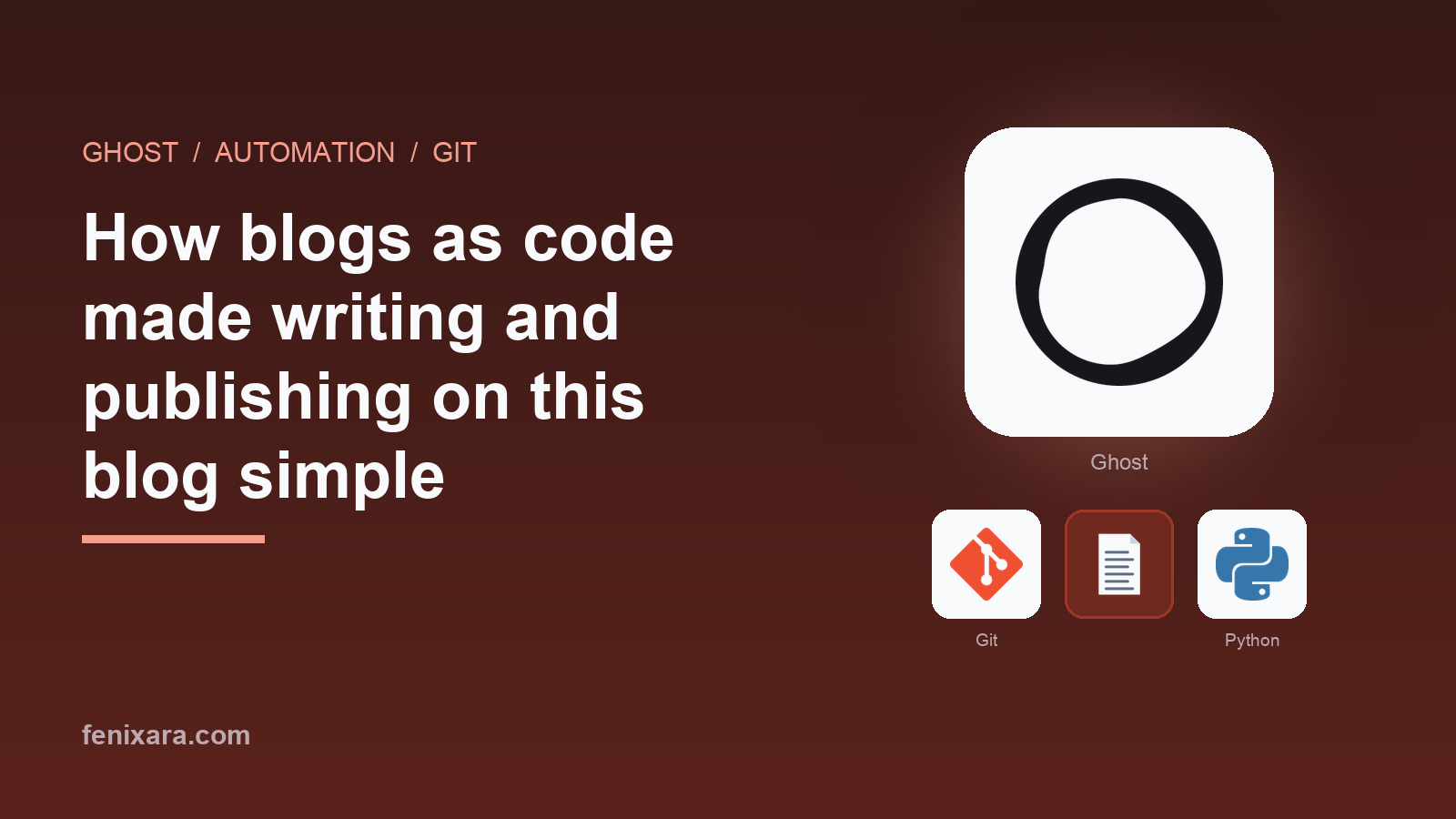
Now the banner is generated. Each post has an image.txt that lists what the post is about, most important first:
brand:ghost, brand:git, document, brand:python
Plain words like lock, candles or database are illustrations drawn by code. aws: and brand: pick logos from a folder of official icon packs that lives in the repo, so nothing is downloaded at build time. The script draws the title on the left, the first item big on the right and the rest as small tiles underneath.
The background colour comes from the same list. A trading post gets green because of the candles, a post about SSM gets the pink of the Systems Manager icon, a security post gets amber from the lock. If it picks something silly I add a color: token and it's fixed.
color:#15803D, candles, brand:zerodha, brand:python
The first version of the banners were just a terminal window with code in it, the same deep blue on every post. A batch of them side by side looked like one post repeated. Changing that meant editing one Python file and rebuilding. All the banners in the batch changed at once.
Publishing is one command
The Admin API key for Ghost sits in a file that git ignores, readable only by me.
ls -l blogs/.ghost.env
# -rw-------  1 me  staff  137 Nov 16 16:08 blogs/.ghost.env
grep ghost.env .gitignore
# blogs/.ghost.env
Then publishing a batch is:
python3 blogs/tools/publish.py --check
python3 blogs/tools/publish.py blogs/nov16
The first line just checks the key works. The second uploads every banner and creates every post as a draft. It skips any slug that already exists, so running it twice doesn't make duplicates. I like that it never publishes anything by itself. Everything lands as a draft and I still read each one in Ghost before it goes live. The script removes the typing, not the reading.
When I changed the banner design, I didn't have to open 22 drafts and replace 22 images by hand:
python3 blogs/tools/publish.py blogs/nov16 --update-images
It only touches drafts. Published posts are left alone, which is the right default for something that writes to a live site.
The rules are in a file too
There's an instructions.txt next to the posts. It has the folder layout, how the posts should read, what must never be published (account IDs, internal hostnames, anything from work that's still open), how images are picked and the build and publish steps. It started as notes for myself so I wouldn't forget the steps between batches.
It turned into the most useful file in the folder. When I change my mind about something, like the banners, I change the rule and the code together in one commit. The next batch just follows it.
What actually got simpler
Writing itself is not faster. A good post still takes the time it takes. What went away is everything around it. No image hunting. No copying excerpts into a form. No "did I use the tag Golang or Go last time". No wondering if a post is too short.
And because the posts sit in git next to the infrastructure, the blog is one thing now. The same repo that has the Caddyfile and the Terraform for the server has the posts that run on it. If the server died tomorrow, I'd rebuild it from that repo and republish from the same folder.
Batches helps too. I can write a few posts, build them, look at the banners side by side and push them all as drafts in one go. Then I publish them from Ghost when each one is ready.
That's it. If you run a Ghost blog and write mostly technical posts, try keeping them as files. Start with just the folder layout and a script that creates drafts. The checks and the generated banners can come later, when the boring parts start to annoy you.