

Ghost themeFree
Natural Green Ghost theme
A calm, green theme for nature, garden and lifestyle blogs: simple leaf and flower ornaments, an arched featured story, leaf menus and a rolling-hill footer.
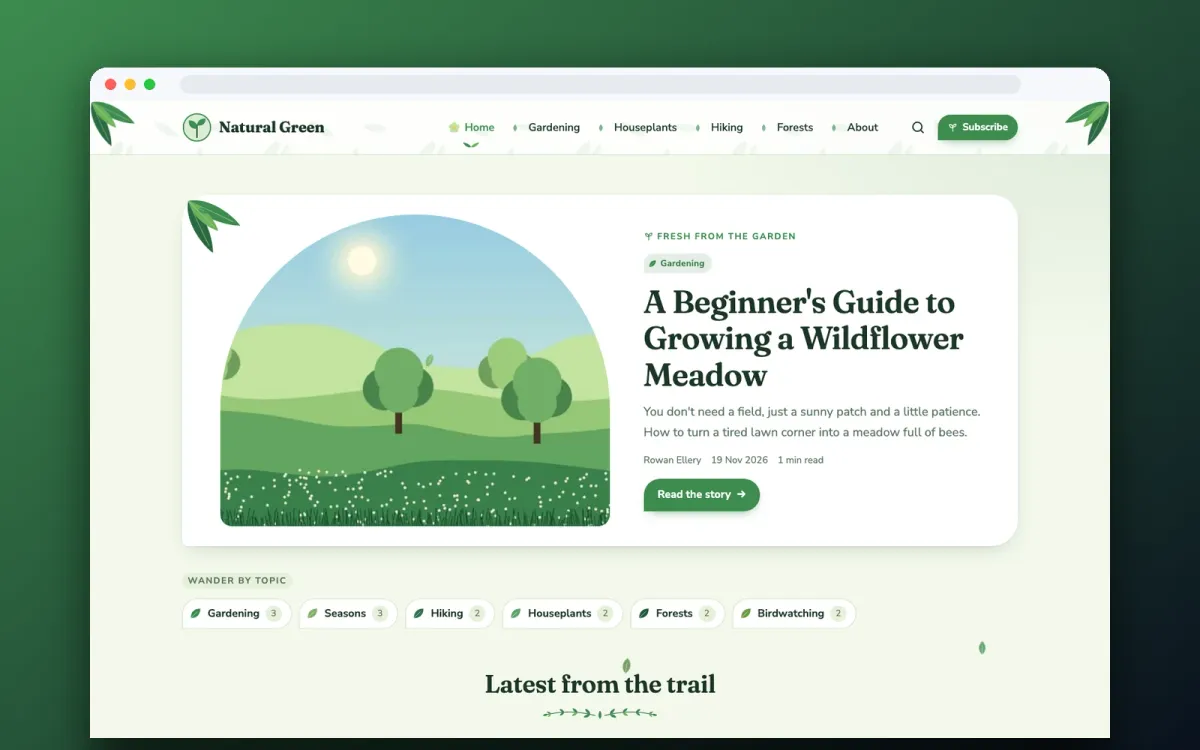
Screenshots
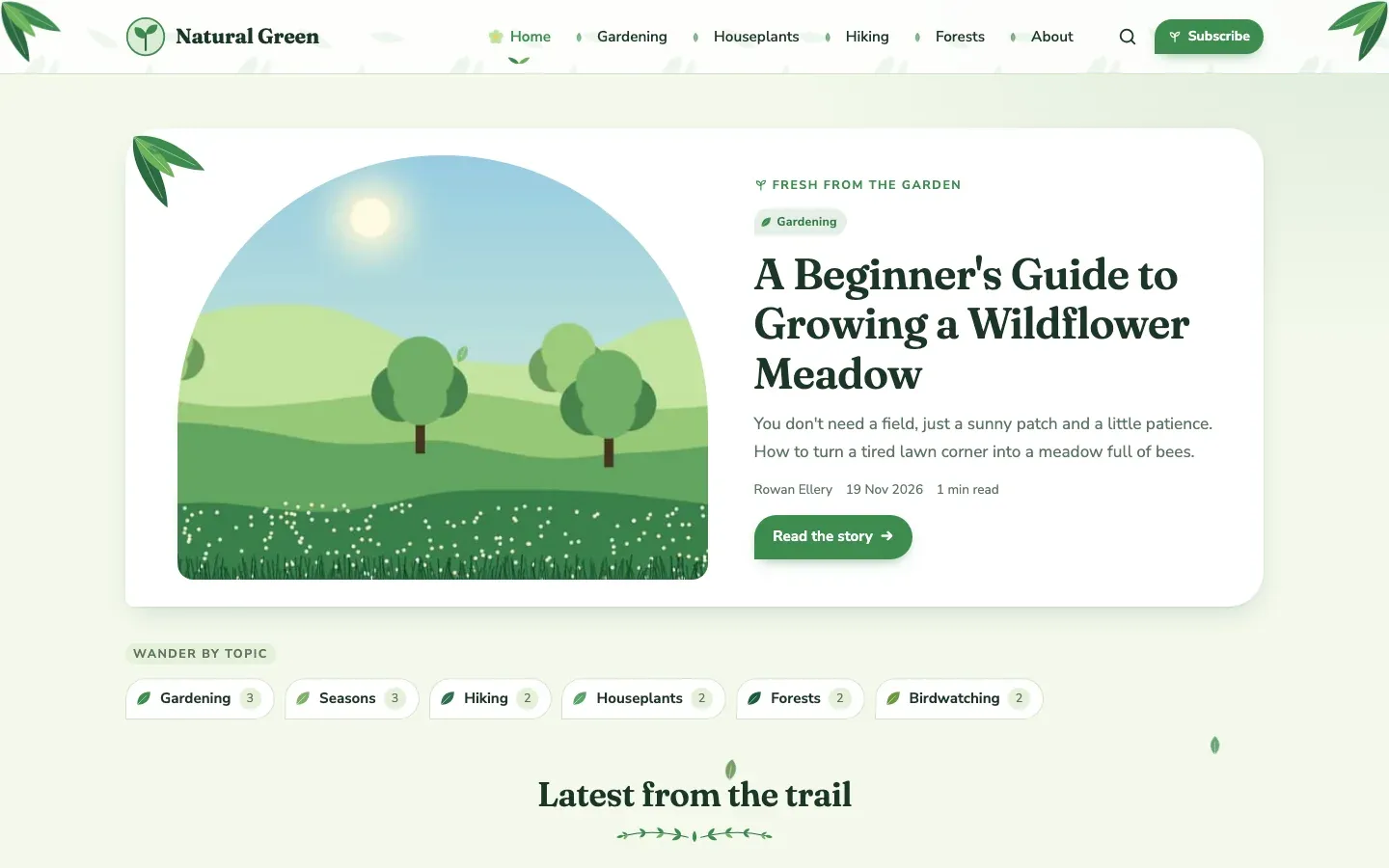
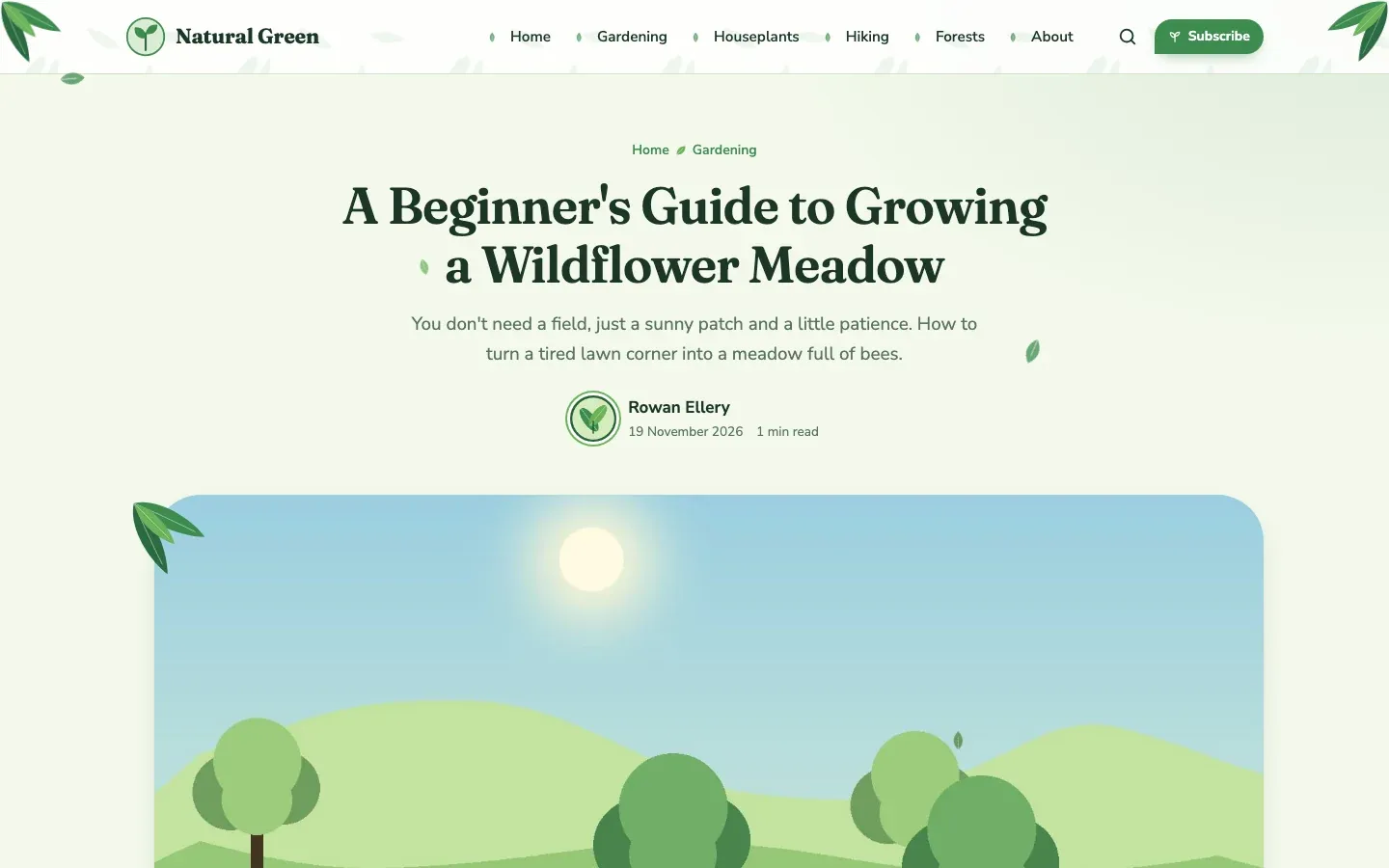
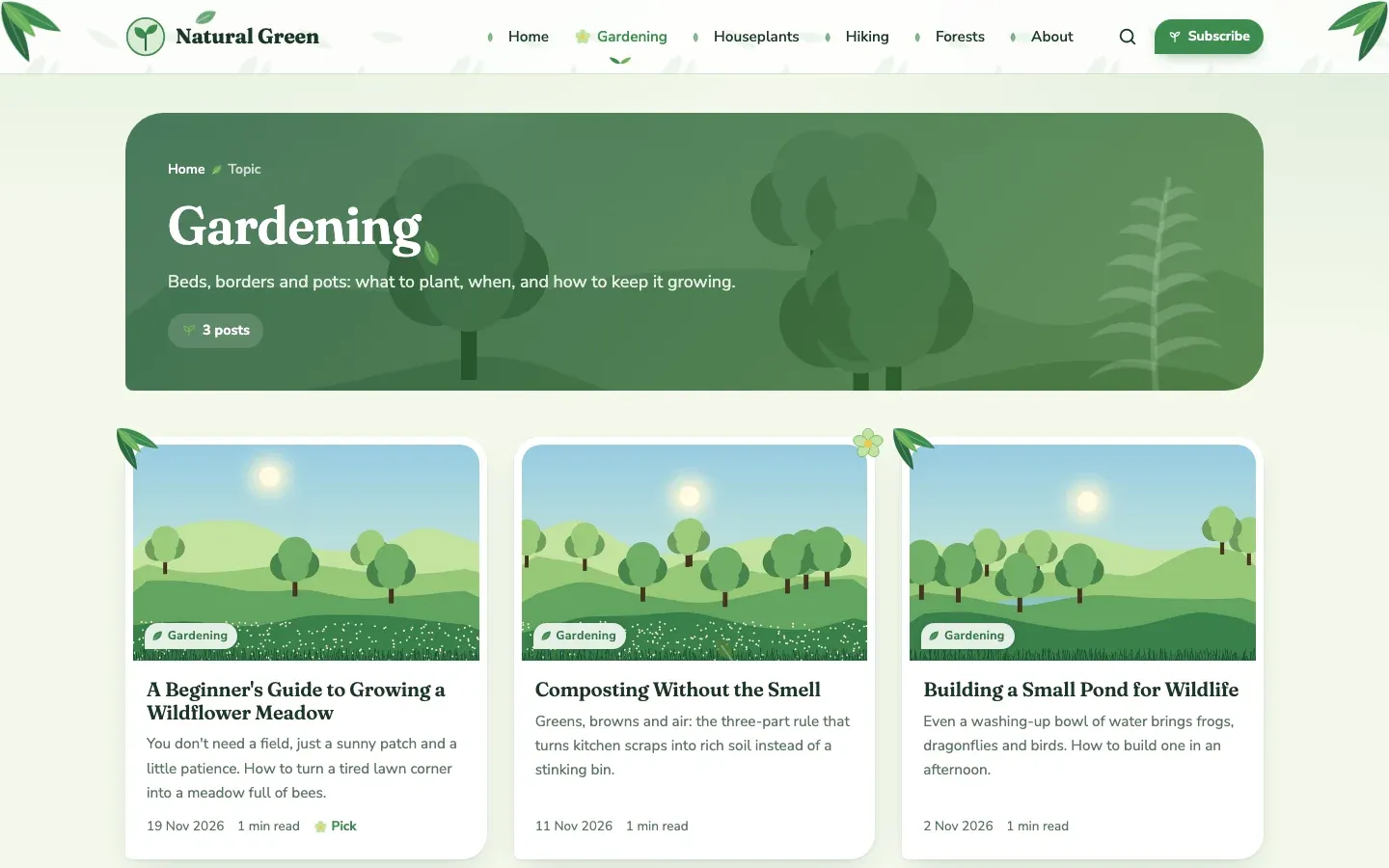
Screenshots are from a test site with sample posts.
What you get
Leaf and flower detailsSimple botanical ornaments: leaf corners on the header and featured image, a leaf or flower on every post card and leaf-sprig dividers.
Leaf menuEach menu item gets a leaf that opens on hover; the current page shows a flower. On phones the menu opens as a drawer.
Three green palettesSpring meadow (bright), Sage mist (soft) or Deep forest (dark). Every ornament follows the palette.
Arched featured storyYour featured post in an arched garden-window frame, with topic chips and a card grid below.
Gentle motionA few leaves drift down the page and ornaments grow in on load; all of it switches off for visitors who prefer reduced motion.
Ghost nativeGhost search, members sign-up, custom fonts and all editor cards. Works with Ghost 5 and 6.
Details
- PriceFree
- TypeGhost theme
- Version0.1.0
- Works withGhost 5 and Ghost 6
- LicenceMIT: use it on any number of sites
- Downloadnatural-green-0.1.0.zip, 20 KB
Theme settings
Change these in Ghost Admin > Settings > Design & branding > Customize:
- Palette (Spring meadow, Sage mist, Deep forest)
- Falling leaves on or off
- Botanical corners on or off
- Home-page label
Install
- Download the zip below (keep it zipped).
- In Ghost Admin open Settings > Design & branding > Customize, then Change theme > Upload theme.
- Choose natural-green-0.1.0.zip and press Activate.
- Set your logo in Brand, your menu in Navigation, and the theme options under Theme.
- To update later, upload the new zip the same way: Ghost replaces the old version.