Comparing VAPT runs to catch security regressions
When we started doing security assessments on our own stack, I treated each run as a fresh checklist. Run the checks, list the findings, fix what we can, done. After a few runs I realised the most useful information was not in any single report. It was in the difference between two of them.
A finding that was fixed and then shows up again is worse than a finding that was never fixed. It means the control you put in place is not holding, and it will probably break again.
How fixes come undone
None of these needed anyone to make a mistake on purpose. Some examples of how it happens:
- CORS gets fixed on the main API, then a new service is added with the framework default, which allows every origin.
- Secrets get moved to Secrets Manager, then a new third party integration goes in with its client secret in a plain environment variable because it was quicker.
- Image scanning is turned on for every ECR repository, then someone creates a new repository by hand outside Terraform, and it has scanning off.
- A dependency is upgraded on a branch, reported as fixed, but the branch never gets deployed.
- A cleanup script removes most of the bad resources, but not all of them, and the finding is closed anyway.
A checklist will catch each of these eventually. A comparison catches them the very next run and tells you that it is a regression, not a new problem.
Keeping findings in a fixed format
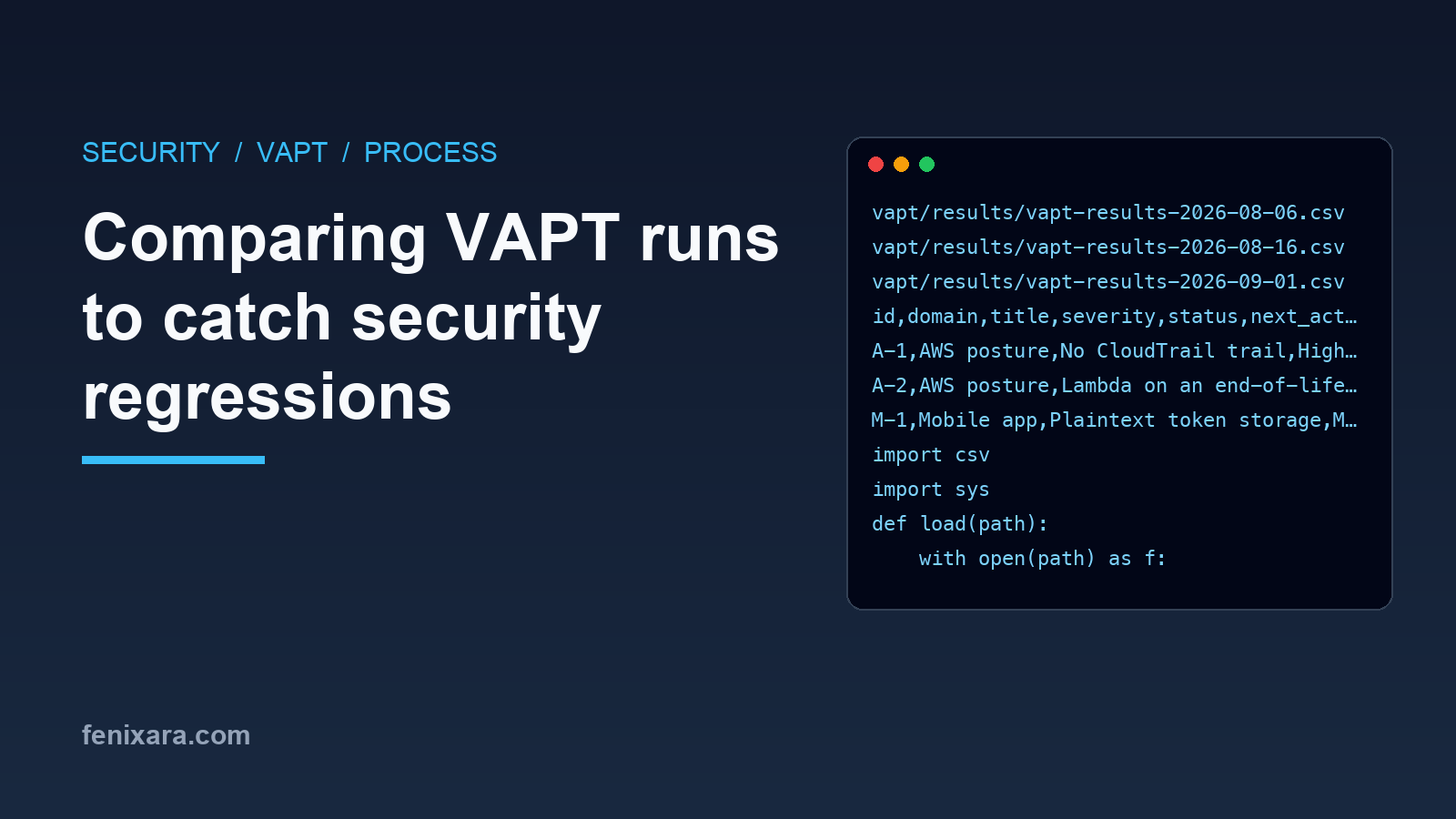
To compare runs, every run has to record findings the same way. I keep one CSV (or a sheet in a workbook) per run, named with the date the run was executed, and never overwrite an older one:
vapt/results/vapt-results-2026-08-06.csv
vapt/results/vapt-results-2026-08-16.csv
vapt/results/vapt-results-2026-09-01.csv
Each row has the same columns:
id,domain,title,severity,status,next_action
A-1,AWS posture,No CloudTrail trail,High,RESOLVED,
A-2,AWS posture,Lambda on an end-of-life runtime,Low,OPEN,Upgrade runtime and redeploy
M-1,Mobile app,Plaintext token storage,Medium,RESOLVED,
The rules that make this work:
- IDs never change and are never reused. A new problem gets the next free ID, even if it looks similar to an old one.
- Status is one of a small set: OPEN, PARTIAL, FIXED IN CODE, RESOLVED. "Fixed in code" means merged but not verified in production yet.
- Resolved findings stay in the file. Do not delete rows when they are fixed, otherwise you cannot tell when they come back.
Diffing two runs
With that format, comparing runs is a small python script:
import csv
import sys

def load(path):
    with open(path) as f:
        return {row["id"]: row for row in csv.DictReader(f)}

prev, curr = load(sys.argv[1]), load(sys.argv[2])
done = {"RESOLVED"}

resolved, regressed, unchanged, new = [], [], [], []
for fid, row in curr.items():
    before = prev.get(fid)
    if before is None:
        new.append(row)
    elif before["status"] in done and row["status"] not in done:
        regressed.append(row)
    elif before["status"] not in done and row["status"] in done:
        resolved.append(row)
    elif row["status"] not in done:
        unchanged.append(row)

for name, rows in [("REGRESSED", regressed), ("NEW", new),
                   ("RESOLVED", resolved), ("STILL OPEN", unchanged)]:
    print(f"\n{name} ({len(rows)})")
    for r in rows:
        print(f"  {r['id']:8} {r['severity']:8} {r['title']}")
Run it with the previous and the current file:
python3 diff_runs.py vapt-results-2026-08-16.csv vapt-results-2026-09-01.csv
The output goes straight into the summary of the new report as a "delta since last run" section.
Treat regressions as high priority
Whatever the original severity, a regression goes to the top of the list. A medium finding that came back means the fix depended on someone remembering, and that will fail again. The fix for a regression is usually not the original fix again, but something that makes it stick:
- A CI check that fails when a secret-like name appears in a plain environment block.
- Terraform owning the resource, so the scanning or encryption setting cannot be skipped.
- A default in the shared service template, so new services get the right CORS and security headers.
How often to run it
There is no fixed rule, but the gap between runs decides how long a regression can sit unnoticed. What has worked for us:
- Every two to four weeks as a routine run.
- After any large change to the infrastructure, like a new service, a new environment or a change to IAM roles.
- Before a customer security review or an audit, so the report you share is current.
The thing that makes regular runs possible is keeping each run cheap. If a run takes two days of someone's time, it will be skipped the moment there is a release to ship. So every check is a command in a runbook, the output format is fixed and the diff is a script. A routine run should be an afternoon, most of which is reading the delta and deciding what to fix.
It also helps to have the same person, or the same script, run it each time. Two people running "the same checks" will record findings differently, and then the diff shows changes that are only differences in wording. If more than one person does it, agree on the IDs and the wording of titles once and keep them.
Looking for new things, not just old ones
The diff only tells you about findings you already know. Every run should also look for what changed since the last one: new services, new IAM users and keys, new security group rules, new dependencies, new public endpoints, and drift between Terraform and the account. Anything that was not in the previous report is a reason to look closer, not to ignore it.
After a few runs, the history becomes the best evidence you have that your security work is actually holding. That is also what auditors and customers ask for when they want to see a remediation trail.