Deregistering an ECS task definition does not delete it
This is one of the more serious things you can find in an AWS security review, and it sits in plain sight in the ECS console.
When a service is new, it is common to pass the database password or a third party API key through the environment block of the ECS task definition. It works, so it stays. Later the team moves everything to Secrets Manager and considers the problem solved. It is not. ECS keeps every revision of a task definition, and the old revisions still have the values in plaintext.
Who can read a task definition
Anyone with ecs:DescribeTaskDefinition can read every environment variable of every revision. That permission is part of the AWS managed ReadOnlyAccess and ViewOnlyAccess policies, and of most CI deploy roles. So a read-only user, a monitoring tool or a leaked CI key can quietly read your production secrets.
You can check what any revision contains with:
aws ecs describe-task-definition --task-definition backend:12 \
  --query 'taskDefinition.containerDefinitions[].environment'
Finding the affected revisions
The console only shows active revisions by default, so it is easy to miss old ones. Let us list every family and every revision, active and inactive, and look for variable names that look like secrets:
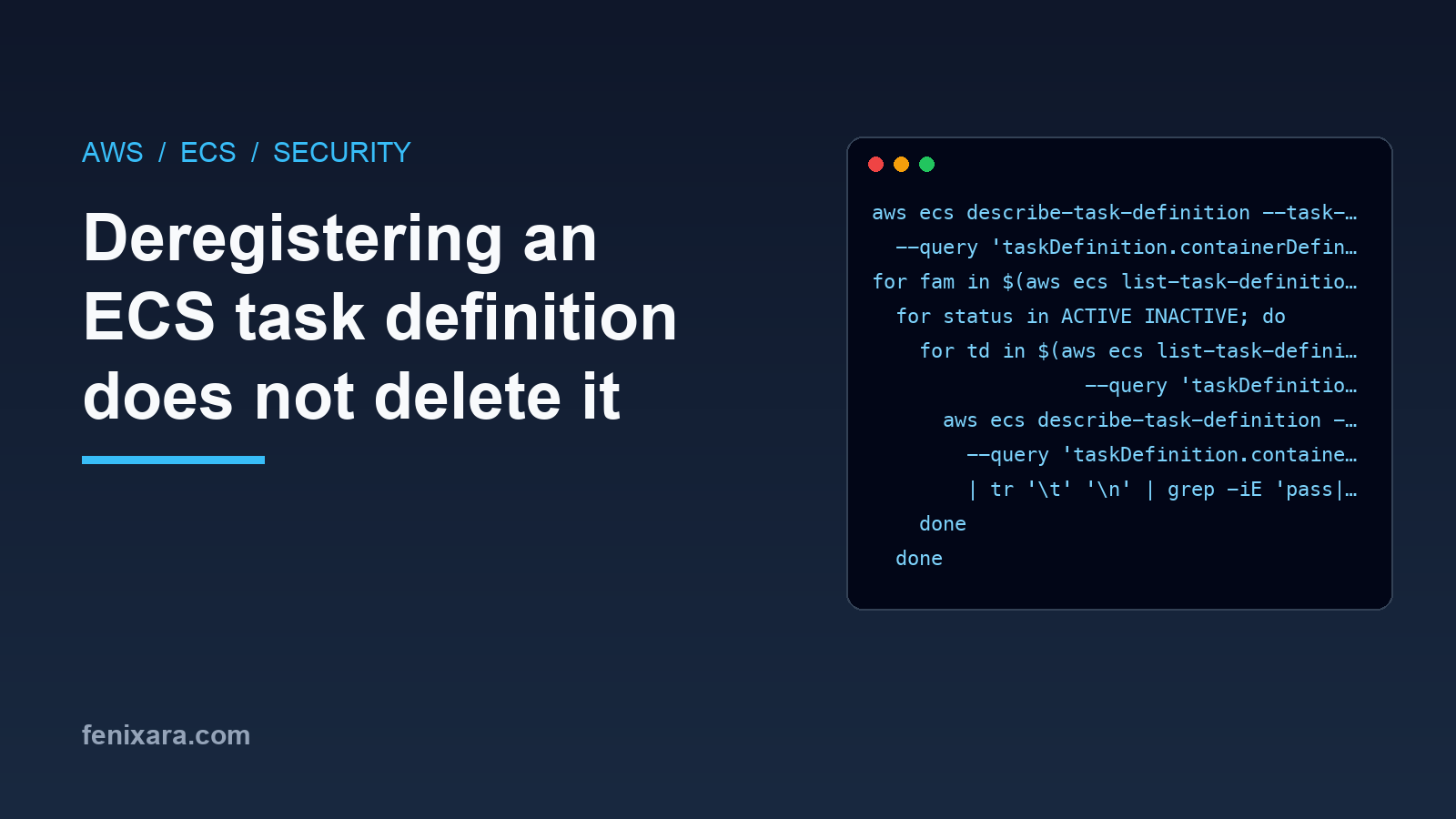
for fam in $(aws ecs list-task-definition-families --status ALL --query 'families[]' --output text); do
  for status in ACTIVE INACTIVE; do
    for td in $(aws ecs list-task-definitions --family-prefix "$fam" --status $status \
                  --query 'taskDefinitionArns[]' --output text); do
      aws ecs describe-task-definition --task-definition "$td" \
        --query 'taskDefinition.containerDefinitions[].environment[].name' --output text \
        | tr '\t' '\n' | grep -iE 'pass|secret|token|key|dsn' | sed "s|^|${td##*/}  |"
    done
  done
done
This prints only the variable names, not the values, so it is safe to paste into a ticket. Note that --family-prefix matches on prefix, so backend will also return backend-sit revisions. That is fine here since we want everything anyway.
On an account that has been running for a couple of years, do not be surprised if this returns hundreds of revisions.
Deregister is not delete
The obvious fix is to deregister the old revisions. But deregistering only marks a revision as INACTIVE. It still exists and describe-task-definition still returns the full definition, including the environment block.
To actually remove them, ECS has a separate delete call. It only works on revisions that are already inactive, and takes up to 10 at a time:
aws ecs deregister-task-definition --task-definition backend:12

aws ecs delete-task-definitions --task-definitions backend:12 backend:13 backend:14
After the delete, the revision goes to DELETE_IN_PROGRESS and disappears some time later. It can take days. You can check on them with:
aws ecs list-task-definitions --family-prefix backend --status DELETE_IN_PROGRESS
Checking who already read them
Before deciding how urgent this is, it helps to know who has been calling DescribeTaskDefinition. CloudTrail records read-only management events too, and the event history keeps the last 90 days even if you have not set up a trail:
aws cloudtrail lookup-events \
  --lookup-attributes AttributeKey=EventName,AttributeValue=DescribeTaskDefinition \
  --start-time "$(date -u -v-90d +%Y-%m-%dT%H:%M:%SZ)" \
  --query 'Events[].[EventTime,Username]' --output text | sort | uniq -c | sort -rn | head -20
On Linux, use date -u -d '90 days ago' +%Y-%m-%dT%H:%M:%SZ instead of the -v-90d form, which is the macOS syntax.
Most of the calls will come from your deploy pipeline and from the ECS console when someone opens a service. What you are looking for is anything you do not recognise: an IAM user nobody uses anymore, an access key belonging to a third party tool, or calls from a role at odd hours. If you find one, treat every credential in those task definitions as leaked and rotate it first, before any of the cleanup below.
Even if the list looks clean, rotate anyway. 90 days is a short window and the revisions may have been there for years.
The order matters
Deleting the revisions is the last step, not the first. Assume the values were already read by someone. The order I follow is:
- Rotate every exposed credential. New database password, new API keys. This is the step that actually removes the risk.
- Move the values to Secrets Manager or SSM Parameter Store and reference them from the task definition, so the new revision has no plaintext.
- Deploy the new revision and confirm the service is healthy.
- Deregister and delete all the old revisions.
- Run the search again a few days later, after the deletes have finished.
The secrets block looks like this. ECS reads the value at task start using the execution role, and the value never appears in the task definition:
"secrets": [
  {
    "name": "DB_PASSWORD",
    "valueFrom": "arn:aws:secretsmanager:ap-south-1:111122223333:secret:prod/backend-AbCdEf:DB_PASSWORD::"
  }
]
The execution role needs secretsmanager:GetSecretValue on that secret. Scope it to the secrets of that one service and environment, not *.
Check the full range
A common mistake is to delete a range of revisions per family, say the last fifty, and mark the job done. The oldest revisions are usually the ones that had secrets before anyone knew better, and they are exactly the ones outside that range.
So do not delete by a range you picked by looking at the console. Use the output of the search, and run the search again after cleanup. If it returns nothing, you are done.
Stopping it from coming back
The other way this goes wrong is a new environment variable. Someone adds an integration in a hurry and puts the client secret straight into environment, and you are back to square one.
If your task definitions are in Terraform, a simple check in CI catches most of it:
grep -rnE '"?name"?\s*[:=]\s*"[A-Z_]*(PASS|SECRET|TOKEN|KEY)[A-Z_]*"' infra/ \
  | grep -v valueFrom && { echo "secret-like name in a plain environment block?"; exit 1; } || true
It is crude and will have false positives, but a false positive costs one look. A real one costs a credential rotation.
There we have it. If you have ever put a secret in a task definition, go and run that search now.