Running a safe VAPT on your AWS account using AWS CLI
VAPT stands for Vulnerability Assessment and Penetration Testing. Most small teams treat it as something an outside firm does once a year before a customer audit. But a big part of the assessment is just looking at how your AWS account is configured, and you can do that yourself with the AWS CLI in an afternoon.
In this blog we will look at the read-only checks I run against our production account, what each one is looking for and how to keep the whole thing safe. Nothing here changes any resource. Every command is a describe, list or get call.
Rules of engagement
Before running anything, write down what you are allowed to do. Even when it is your own account, this matters. A script that "just checks" an endpoint can very easily become a script that fuzzes it.
This is what I keep at the top of the runbook:
- Production is in scope, but only for read-only AWS calls, static code analysis and non-destructive HTTP requests (headers, TLS and CORS).
- No exploitation, no fuzzing, no load testing and no authenticated attack traffic.
- Active testing (DAST, proof of concepts) is a separate engagement and runs only against stage, which has its own database.
- The output lists your weaknesses. Keep it out of git and share it only with people who will fix things.
The last point is easy to forget. A VAPT report is basically a map for an attacker.
Setting up
Use a dedicated IAM user or role for this. The AWS managed policy SecurityAudit is a good fit since it gives read access to configuration without access to data.
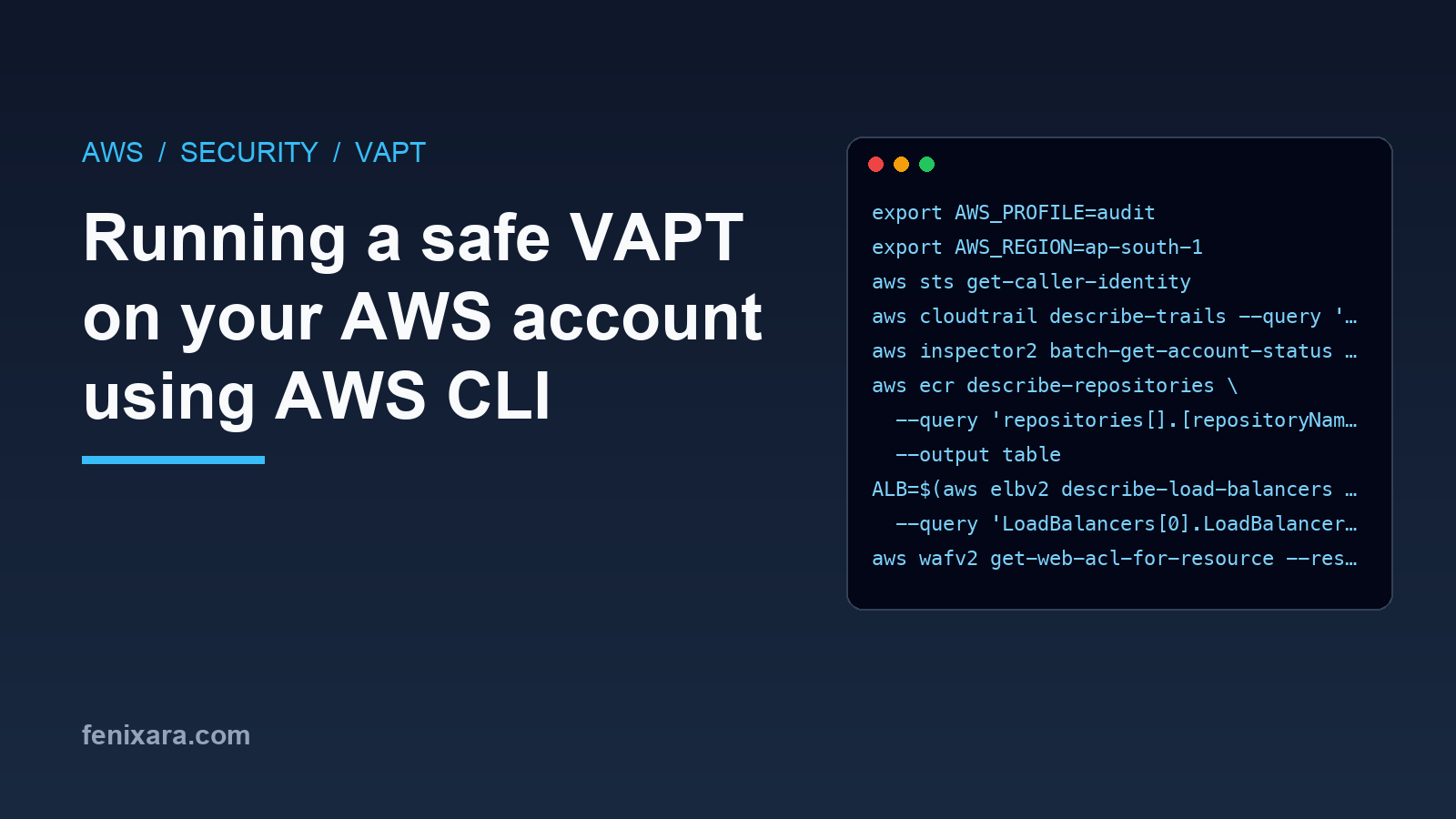
export AWS_PROFILE=audit
export AWS_REGION=ap-south-1
aws sts get-caller-identity
Always run get-caller-identity first. It is very easy to run the whole checklist against the wrong account.
Audit logging
If something goes wrong, the first question is "who did this". Without CloudTrail there is no answer.
aws cloudtrail describe-trails --query 'trailList[].[Name,IsMultiRegionTrail]'
An empty list is a finding. You want at least one multi-region trail writing to a bucket that application roles cannot delete from.
Vulnerability scanning
AWS can scan your container images and instances for known CVEs, but only if you turn it on.
aws inspector2 batch-get-account-status --query 'accounts[0].state.status'
aws ecr describe-repositories \
  --query 'repositories[].[repositoryName,imageScanningConfiguration.scanOnPush]' \
  --output table
Inspector being DISABLED or any repository with scanOnPush set to false is a finding. Check this every run. When someone adds a new repository by hand, it will usually not have scanning on.
WAF on the load balancer
ALB=$(aws elbv2 describe-load-balancers --names my-alb \
  --query 'LoadBalancers[0].LoadBalancerArn' --output text)
aws wafv2 get-web-acl-for-resource --resource-arn "$ALB"
No web ACL is a finding. If there is one, look at the rule actions as well. Managed rule groups are often added in Count mode to avoid breaking things, and then nobody comes back to switch them to Block. A WAF in count mode only gives you logs.
IAM and least privilege
This is where most of the serious findings come from. Start with what your task roles can do.
for r in ecs-task-role ecsTaskExecutionRole; do
  aws iam list-attached-role-policies --role-name $r
  aws iam list-role-policies --role-name $r
done
Look for managed policies like AmazonS3FullAccess attached to a task role. That gives every container read, write and delete on every bucket in the account. Scope it down to the buckets and actions the service actually uses.
Also check whether one execution role is shared by all services and environments. If the same role pulls secrets for prod and for stage, then a stage container can read prod secrets.
Next, check MFA and old access keys using the credential report.
aws iam generate-credential-report > /dev/null; sleep 5
aws iam get-credential-report --query Content --output text | base64 -d \
  | cut -d, -f1,4,8,9,10,11 | column -s, -t
This gives you, per user, whether a password is enabled, whether MFA is active and when each access key was last rotated and used. Console users without MFA and access keys that have not been used in months are both findings. A key that nobody uses can just be deleted.
Storage
for b in $(aws s3api list-buckets --query 'Buckets[].Name' --output text); do
  echo "== $b"
  aws s3api get-public-access-block --bucket $b 2>&1 | grep -E 'true|false|NoSuchPublicAccessBlock'
  aws s3api get-bucket-encryption --bucket $b > /dev/null 2>&1 || echo "no default encryption"
done
A bucket without a public access block is not necessarily public. But it means a single bad bucket policy can make it public. If a bucket genuinely needs public objects (like email images), keep those in a separate bucket or behind CloudFront, and block public access on everything else.
Databases
aws rds describe-db-instances --query \
  'DBInstances[].[DBInstanceIdentifier,StorageEncrypted,PubliclyAccessible,BackupRetentionPeriod,DeletionProtection]' \
  --output table
aws rds describe-pending-maintenance-actions
Unencrypted storage, PubliclyAccessible set to true, or zero backup retention are findings. Pending maintenance actions often include security patches, so do not let them pile up.
Network exposure
aws ec2 describe-security-groups \
  --query "SecurityGroups[?IpPermissions[?IpRanges[?CidrIp=='0.0.0.0/0']]].[GroupId,GroupName]" \
  --output table
Go through each group in the output. Ports 80 and 443 open to the world on a load balancer are fine. Anything else open to 0.0.0.0/0, especially 22 or a database port, needs a very good reason. I wrote about scripting this check in golang a while back in Finding all vulnerable security groups using golang.
Live HTTP checks
These are plain requests, the same as any browser would make.
curl -sS -m 10 -D - -o /dev/null https://api.example.com/
curl -sS -m 10 -D - -o /dev/null -H 'Origin: https://evil.example' https://api.example.com/
curl -sS -m 10 -o /dev/null -w '%{http_code} %{redirect_url}\n' http://api.example.com/
From the headers check for:
Strict-Transport-Security,X-Content-Type-Options,X-Frame-Options(or aframe-ancestorsCSP). Missing ones are findings.Access-Control-Allow-Origin: *on an authenticated API, or the API echoing back whatever origin you send. Both are findings.- Port 80 should redirect to 443.
Recording the results
For every finding write down an ID, a title, the severity, the evidence (the command and its output) and the next action. Severity should depend on the blast radius. Anything that can expose customer data or reaches the whole account goes to the top.
Keep one file per run with the date in the name, and do not overwrite older runs. The history is the most useful part, which I will cover in a separate post on comparing runs.
That's it. None of this replaces a proper pentest, but it will find the embarrassing things first, and those are usually the ones that get exploited.